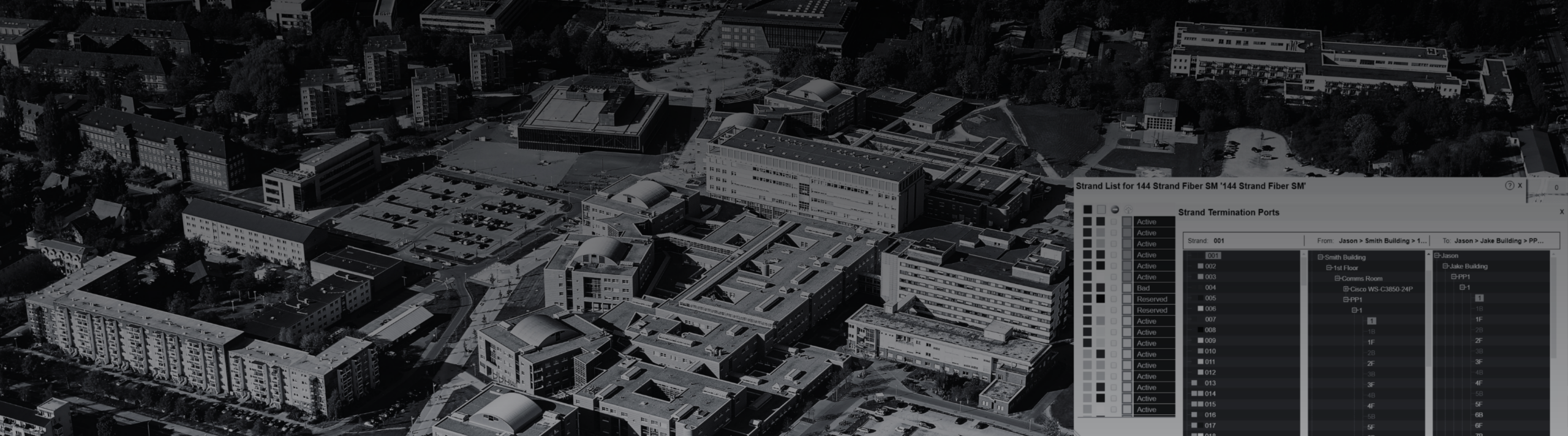
The call rarely comes with complete information.
A classroom wing is down. A residence hall is dealing with spotty Wi-Fi again. The gym has an event tonight, and someone needs to figure out which closet, switch, fiber path, port, and IP range are involved before troubleshooting can even begin.
So the search starts.
One person opens a spreadsheet. Someone else pulls up an old Visio diagram. A contractor’s PDF gets forwarded around. A tech says, “I think that run goes through the library basement… but I’m not totally sure.”
Meanwhile, no one waiting for answers cares how scattered the documentation is. They just want the network back.
This is one of the quieter challenges of running campus infrastructure.
From the outside, a campus looks orderly: academic buildings, dorms, athletic facilities, labs, offices. Behind the scenes, it’s a system that has been expanded, patched, upgraded, and reworked for years.
A new dorm increases wireless density. Classroom upgrades add AV and network drops. Cameras go up around the stadium. Access control expands. Labs need specialized connectivity. Fiber gets extended. Switches move. Closets get “cleaned up” — sometimes.
And temporary fixes have a way of sticking around long after they were supposed to.
That’s how teams end up buried in spreadsheets.
Not because they’re careless — usually the opposite. Campus IT teams are keeping complex environments running with limited time, limited staff, and too many places where information can live.
You see it in the day-to-day.
A technician walks across campus just to verify a port. A project stalls because no one fully trusts the latest diagram. A switch replacement drags on because downstream connections aren’t clear. A fiber route lives in someone’s head — until that person is out.
Faculty skip tickets and call whoever fixed it last time. And when something breaks during exams, move-in, or a major event, the pressure ramps up fast.
At that point, documentation isn’t just a back-office task. It’s part of incident response. It affects project timelines. It protects your team’s credibility.
What campus teams need isn’t another place to store files. They need a reliable way to see what exists, where it lives, and how everything connects.
That’s where netTerrain comes in.
netTerrain gives infrastructure teams a visual system of record for both physical and logical layers — the pieces that usually end up scattered across multiple tools. Buildings, floor plans, MDFs, IDFs, racks, devices, ports, cables, circuits, fiber routes, wireless infrastructure, IP space — all connected in one place.
But the real value isn’t cleaner diagrams. It’s being able to answer questions quickly and confidently.
- Which closet serves this area?
- What’s connected to this switch?
- Where does this fiber run?
- Which rack holds the device?
- What port is in use?
- Which IP range belongs here?
- What breaks if we move this?
Those are the questions that slow teams down when the answers are spread across five different systems.
With netTerrain, those pieces start to come together. Floor plans show infrastructure in context. Racks and devices include connection data. Fiber and outside plant routes can be mapped across campus. IPAM brings structure to address space. And existing data — from spreadsheets, Visio, GIS, ServiceNow, or discovery tools — does not have to be thrown away.
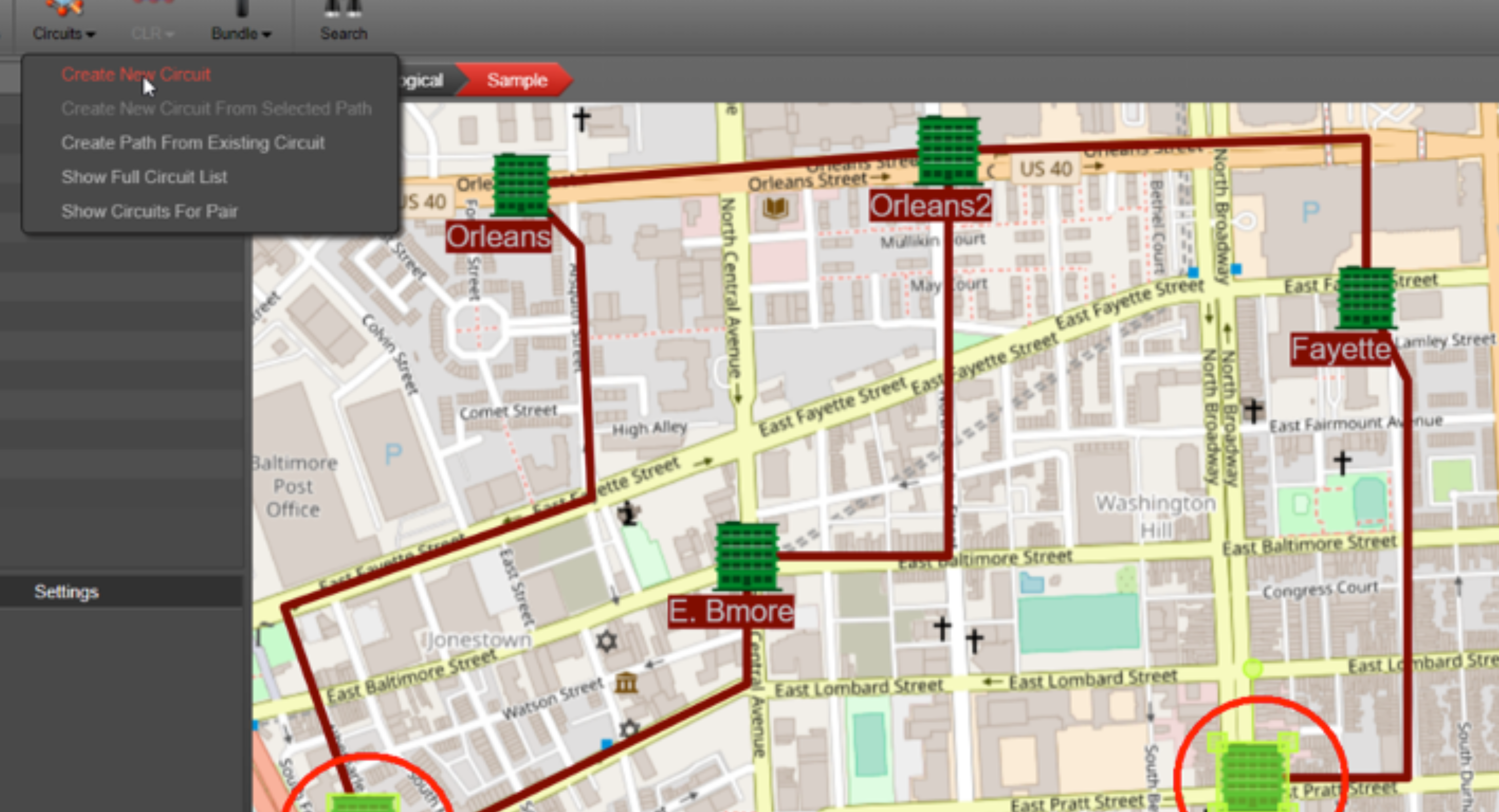
Campus teams need more than files — they need a clear view of what is where, and how it connects.
That matters because campus infrastructure no longer belongs to a single team. IT, networking, facilities, security, AV, contractors, and leadership all interact with the same environment from different angles. When everyone is working from a different version of reality, even simple changes become harder than they should be.
This is not a theoretical campus problem.
At the University of Notre Dame, the network team needed to manage a large, dispersed fiber network, track capacity, retain knowledge, and reduce time-consuming field trips. Before netTerrain, team members often had to make best guesses about connector types and locations, sometimes making multiple trips between the office and the field. After implementing netTerrain, a core team of five could access fiber enclosures, drill down to port level, track connector types, and answer questions “in minutes, not hours.” Read more customer success stories.
Liberty University faced a different version of the same issue. The team had three data centers, an equipment room across campus, and a colocation site more than two hours away. Documentation lived in Excel, SharePoint, a media Wiki, and occasional Visio diagrams. Searching was tedious, collaboration was cumbersome, and remote-site visibility often required a drive. With netTerrain, the team could see what was in their data centers and auxiliary sites from a browser, search in seconds, plan growth, and reduce manpower hours.
The University of Calgary needed to visualize network information sourced from ServiceNow after its previous visualization tool became unsupported. netTerrain’s ServiceNow connector helped replace time-consuming workarounds, allowing selected data to flow into visual documentation. The implementation was handled by one seasoned employee working part-time, without outside consultants.
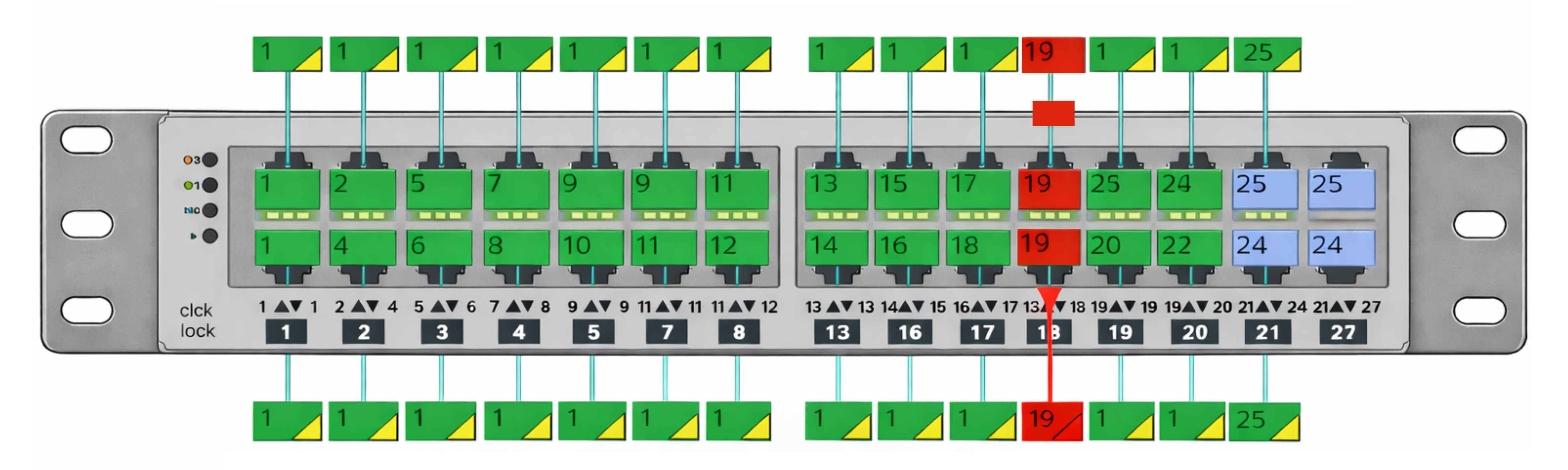
Universities use netTerrain to replace scattered records with accessible, detailed infrastructure views.
The best place to start isn’t everything.
Start where it already hurts.
Maybe it’s the MDF/IDF chain in a classroom building. Maybe it’s the fiber path to the stadium. Maybe it’s a dorm with constant Wi-Fi complaints. Maybe it’s a renovation project where no one is fully confident in what’s connected.
Pick one messy area. Map what matters — buildings, closets, racks, ports, links, circuits, IPs. Use that first effort to prove the process, close obvious gaps, and give your team something they can trust the next time the phone rings.
Because the goal isn’t perfect documentation.
- It’s fewer guesses.
- Fewer unnecessary walks across campus.
- Fewer “ask Bob, he probably knows” moments.
- Fewer outages where the first hour is spent figuring out what should already be clear.
And more moments where your team can answer with confidence — even under pressure.
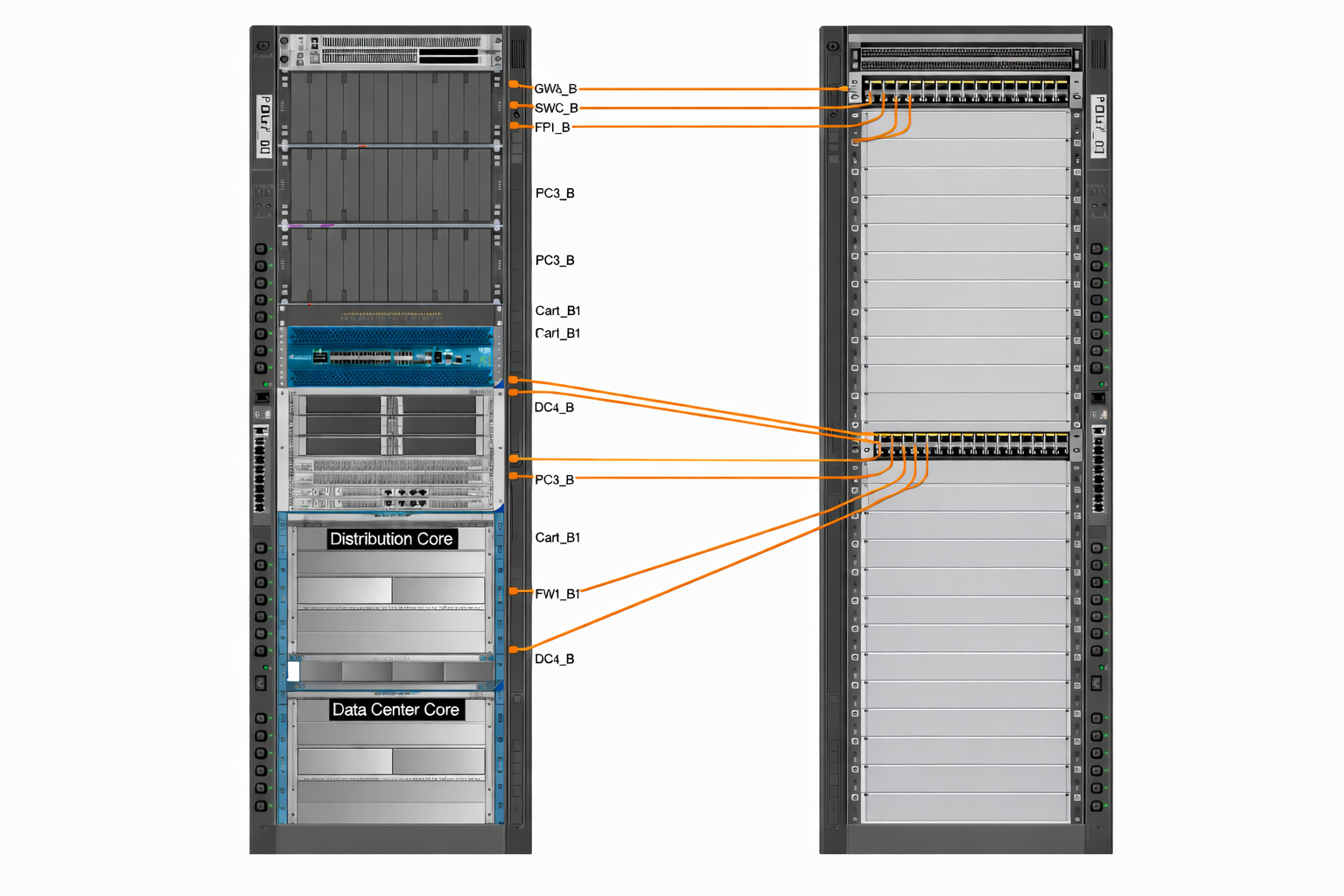
The best place to start is the place that already hurts.
Request a 15-minute campus infrastructure walkthrough. Bring one messy building, fiber route, or documentation challenge, and we’ll show you how netTerrain can help you map your first real win.
